Vital K
Overview
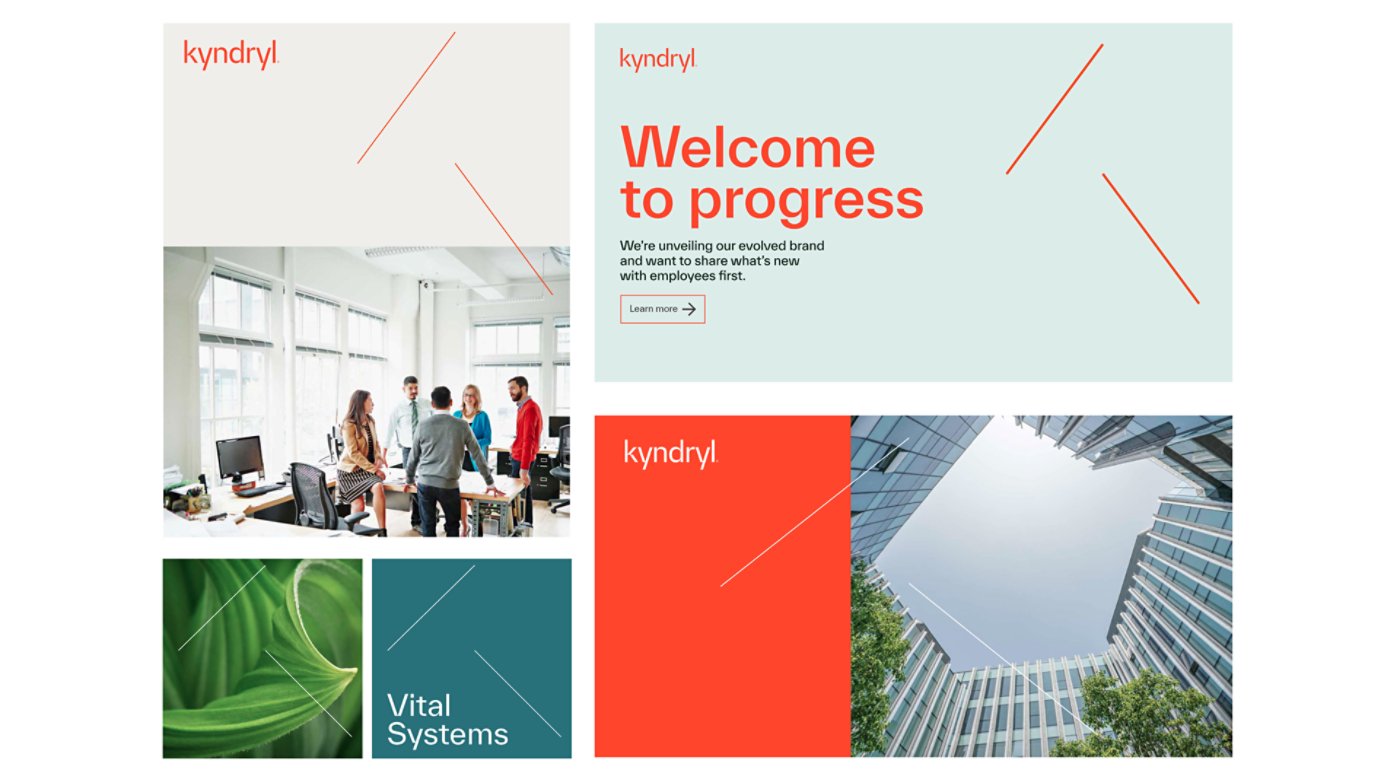
The Vital K is a unique visual element consisting of two diagonal lines of equal size, based on the arm and leg of the “k” in our logo. These angled lines convey a sense of motion, growth and focused devotion, almost seeming to lean in to listen better, with empathy. Unlike the Living Trellis, the Vital K is primarily used to call attention to information or to add a sense of precision to a design.
The Vital K can be used for emphasis in a variety of use cases and content types, flexing to fit the tone and function of each piece.
It is never to be used as a lock-up with the Kyndryl logo. It is a separate design element.
Design guidance
The following guidance outlines how to position and use the Vital K across layouts and use cases, including clear direction on when to create and apply each treatment.
Stroke weight
The Vital K should be used at thin line weights to create an elegant and airy feel, rather than a forced or heavy one. While both lines should be the same stroke weight and color, the angle and positioning of the lines do not have to exactly match those of the arm and leg in the “k,” providing flexibility for different layouts and use cases.
Scalability and stretchability
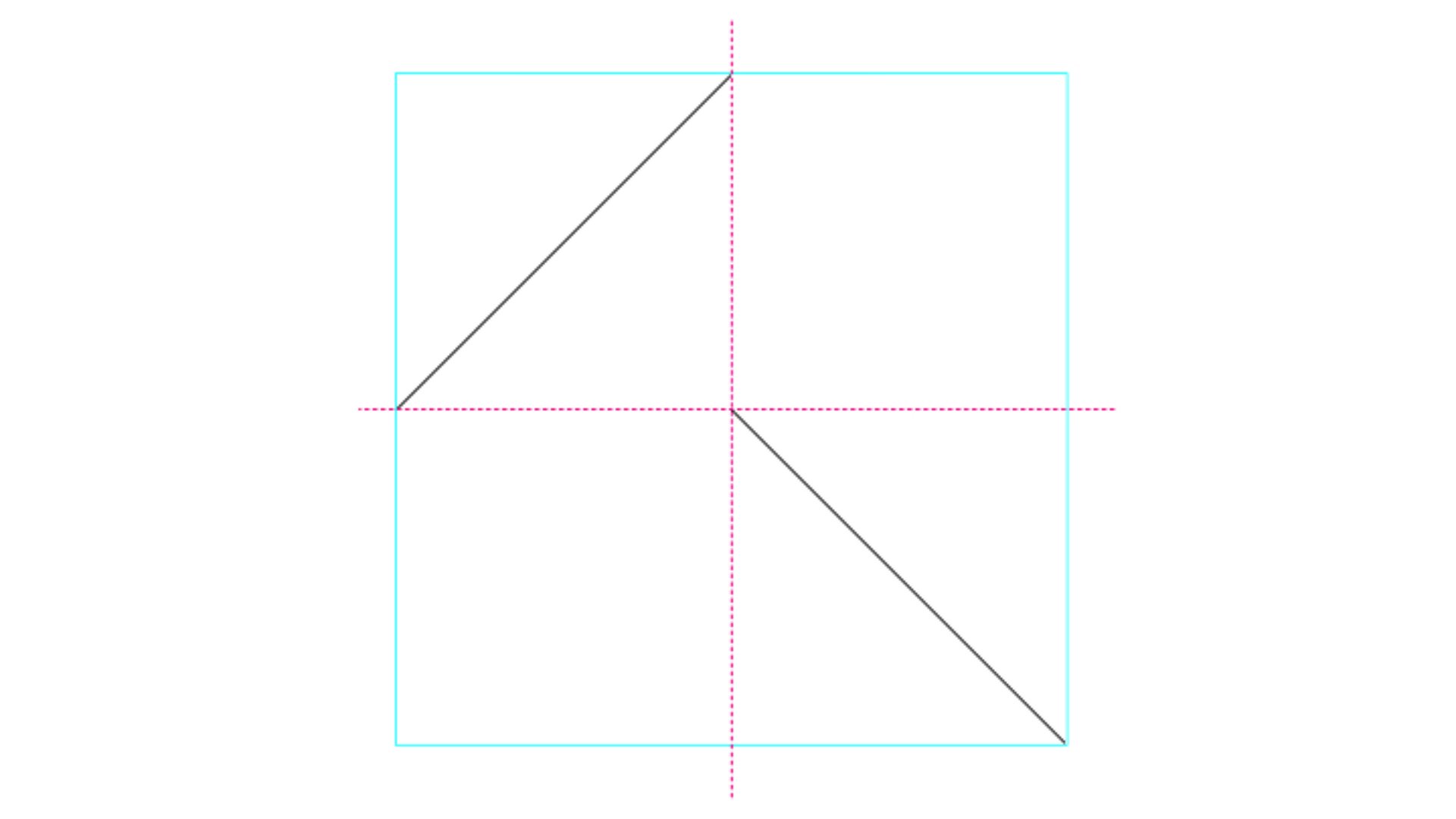
- When applying the Vital K, we always begin by using a 4×4 grid in a square ratio.
- The Vital K is scalable and flexible, as long as its proportions and ratio remain intact. Both lines must be aligned both horizontally and vertically (never crossing) and must be of equal size.
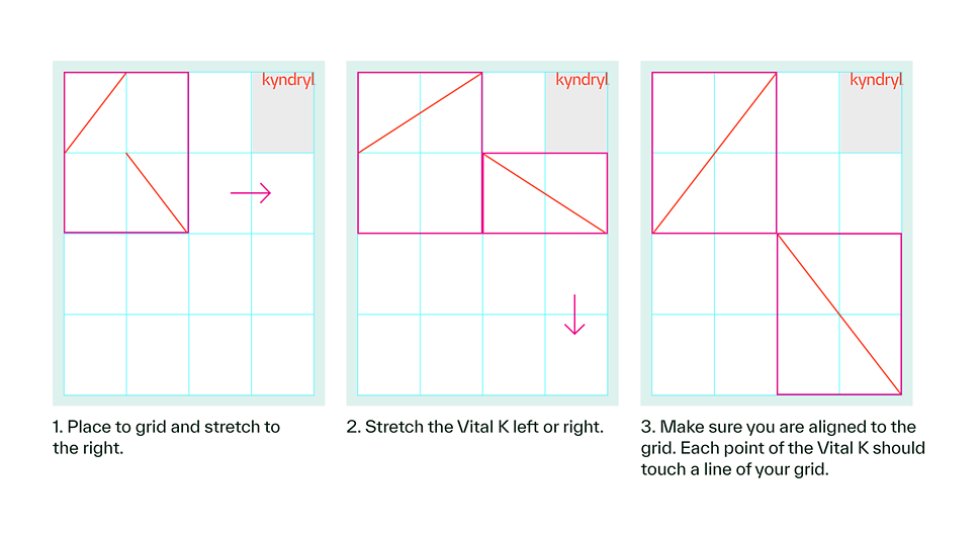
However, the Vital K can be applied to any format just by stretching the sides to any part of the grid.
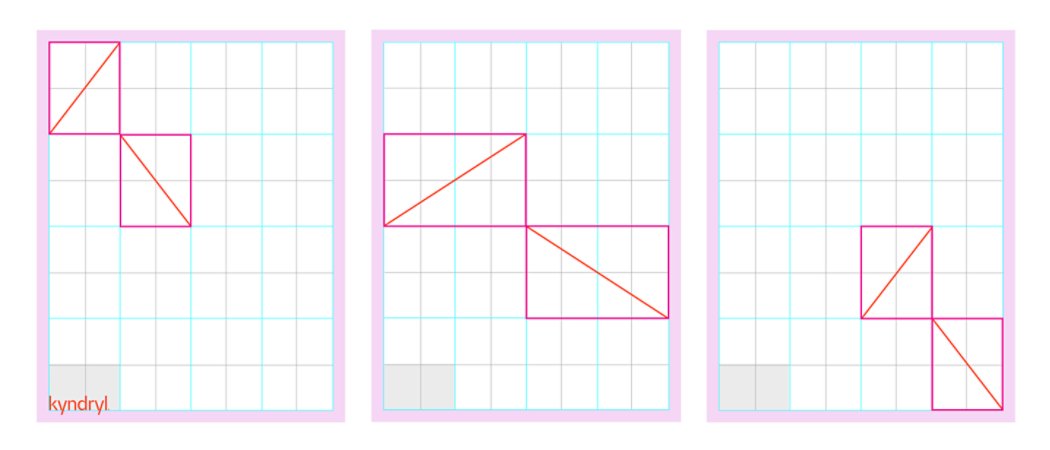
The Vital K can stretch to become flatter or narrower in three easy steps:
01
Place the Vital K in the workspace and use your grid to align.
02
With the Selection Tool in Adobe InDesign or Illustrator, stretch the Vital K artwork to the left or right. Make sure not to go too tall or too flat — you don’t want to lose the overall construction.
03
Repeat the previous step for the vertical dimension (up or down), making sure that each point of the Vital K touches a line of your grid.
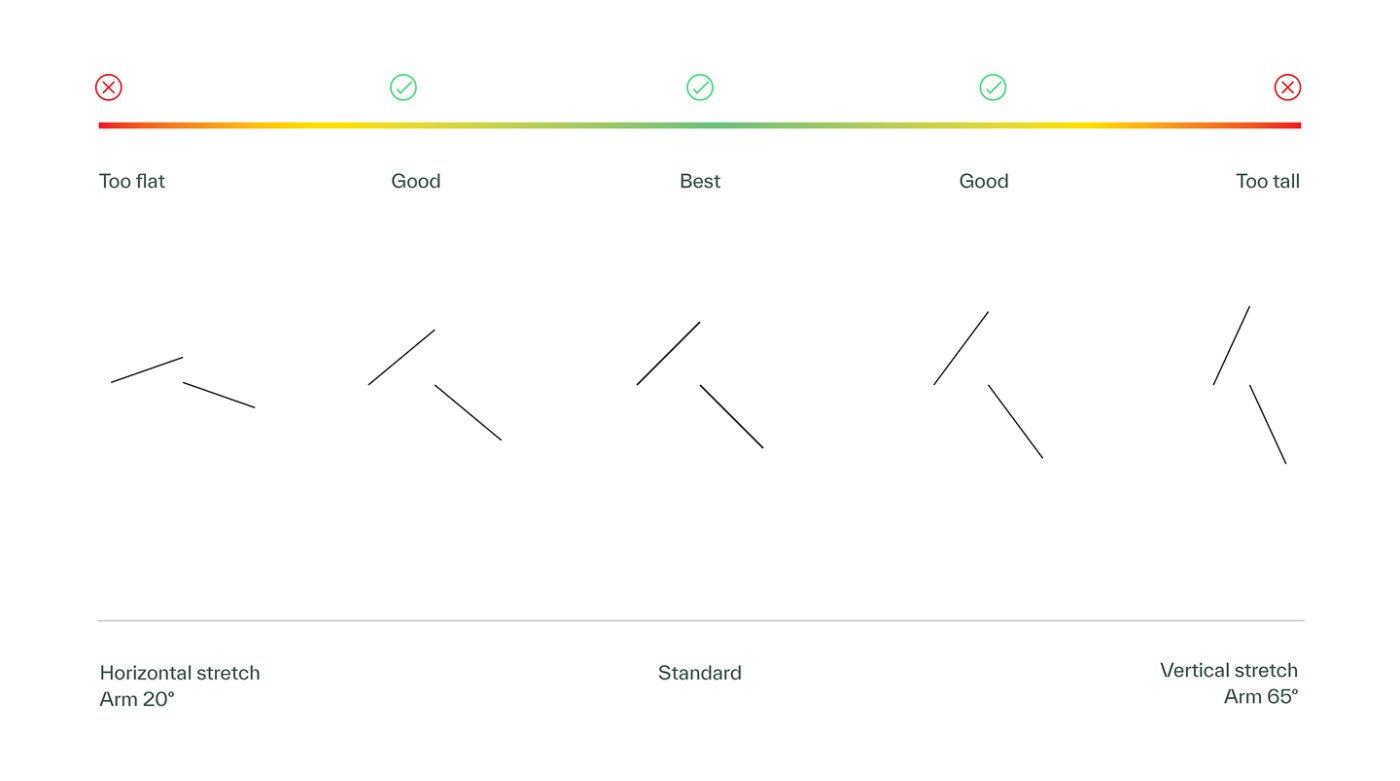
Follow the visual guardrails to the left as a guide to maintain consistency as you stretch the Vital K.
Placement
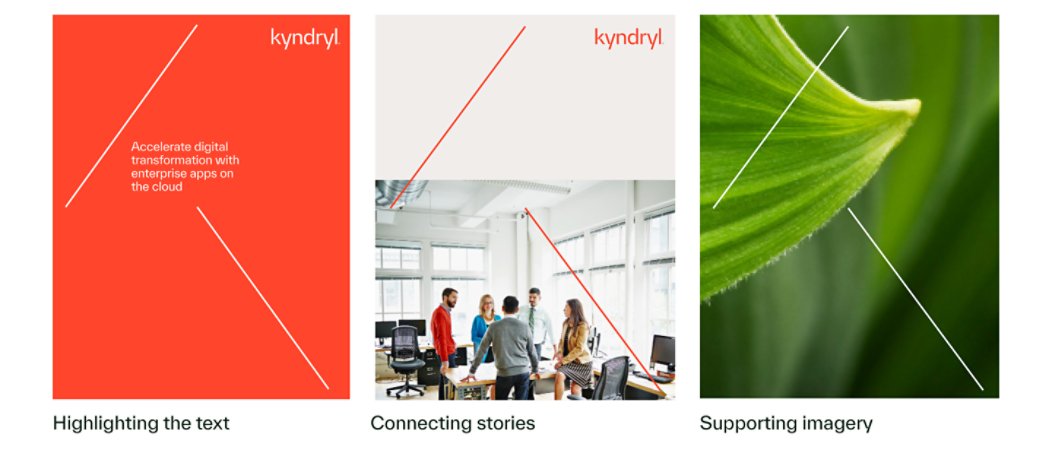
Generally, the Vital K should appear on the topmost layer of a design, framing typography and/or our logo. It works best when it touches two sides of the layout. To the right are a few examples to show how that can be achieved while still providing flexibility.
Appropriate spacing
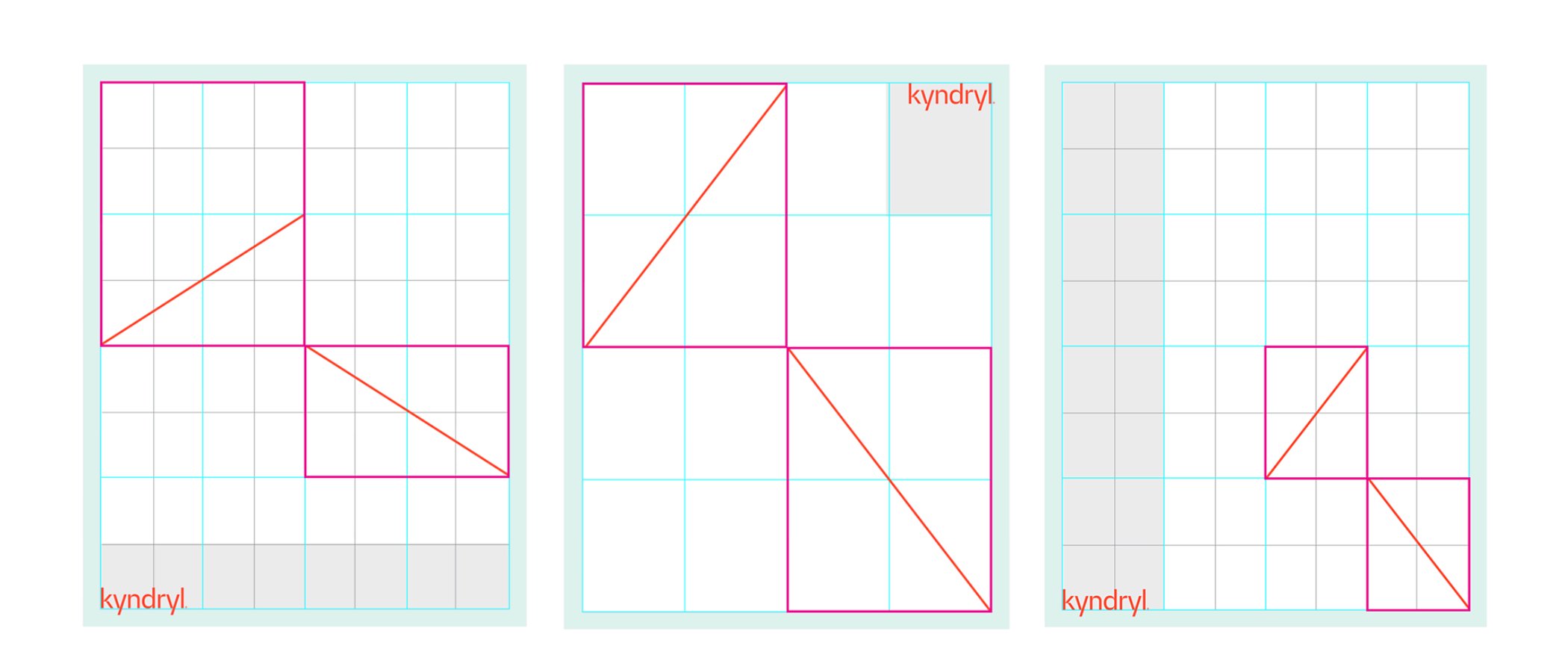
The distance between the two lines should still be close enough to imply an abstract “k.” To the right are a few examples of what an appropriate distance can look like.
Logo placement with Vital K
As outlined on our logo and brand idea page, the preferred placement for the Kyndryl logo is in the bottom left of a layout, with the upper left as a secondary option (especially for web content). However, when using a layout that features the Vital K, place the Kyndryl logo in the upper right unless there is enough horizontal space to give the logo its own clear row. This helps prevent the logo from feeling crowded or boxed in by the Vital K.
Photography and colors for legibility
The Vital K should always be placed on solid backgrounds or photography in a way that ensures legibility. Generally, the Vital K pairs best with photos that are more abstract, where we can easily see both lines. Avoid placing the Vital K over photos of people or on backgrounds where the lines may be difficult to discern.
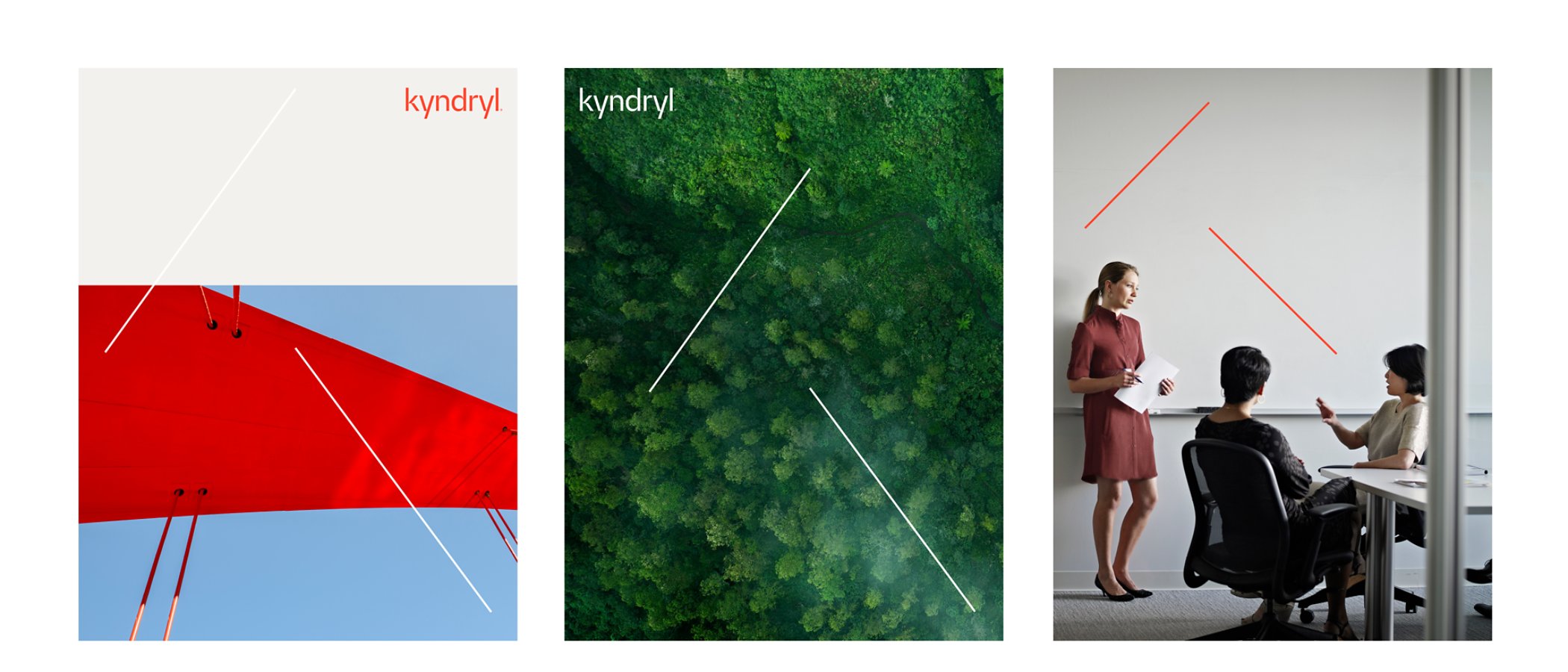
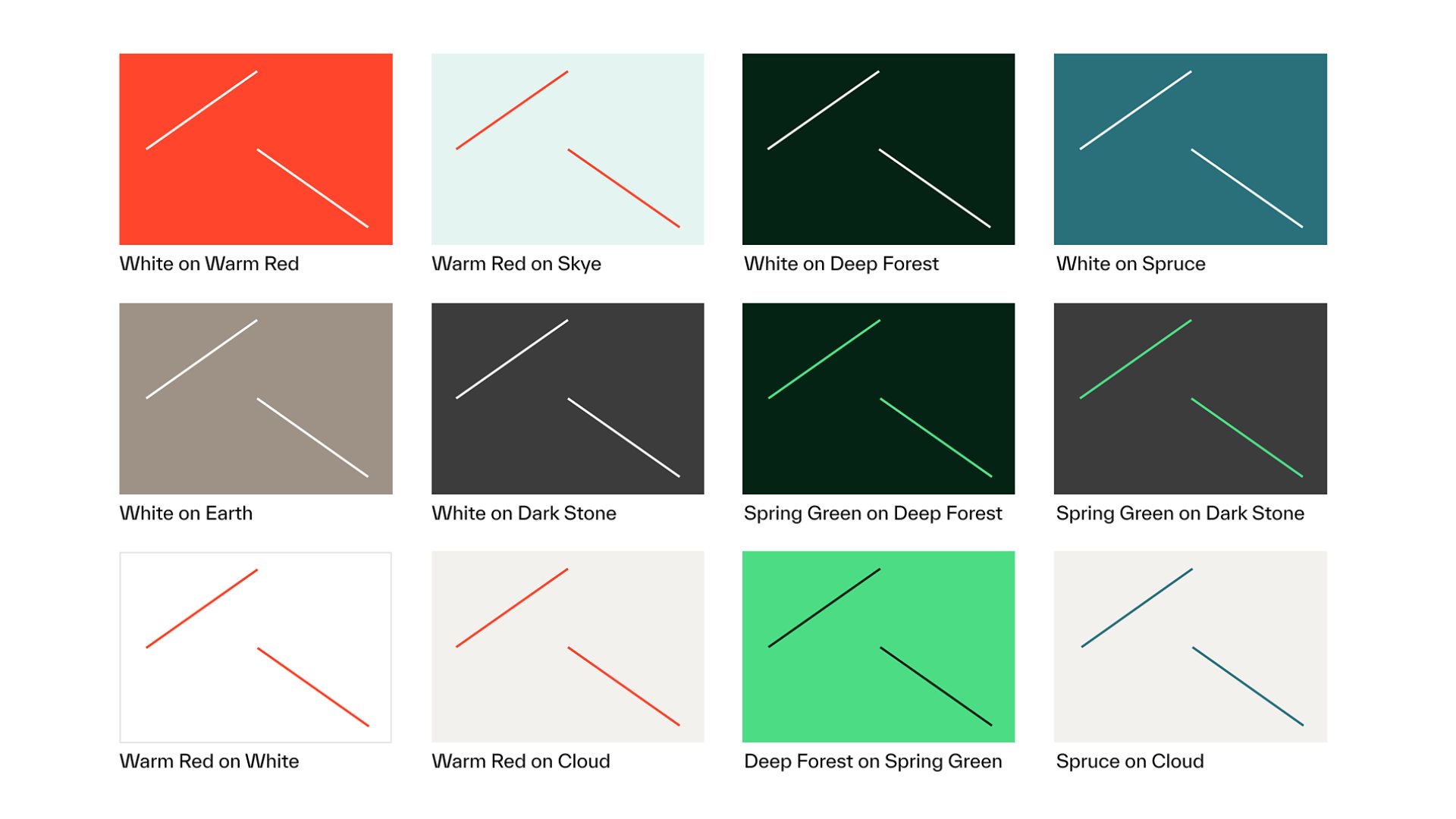
Color combinations for Vital K
To the right are all approved color combinations that you can use with the Vital K. Use only these color pairings to maintain legibility.
Vital K misuse
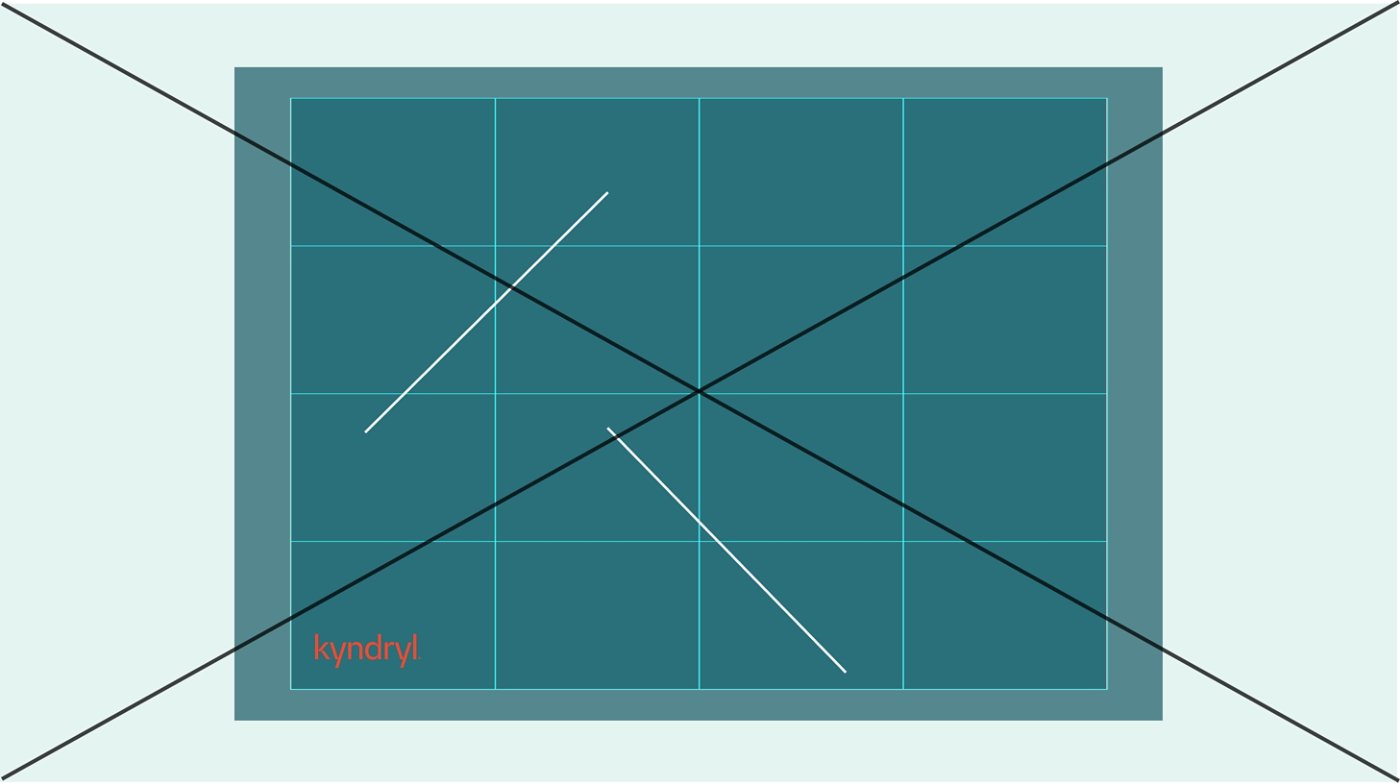
Do not position the Vital K randomly. It should always align to a 4×4 or 8×8 grid.
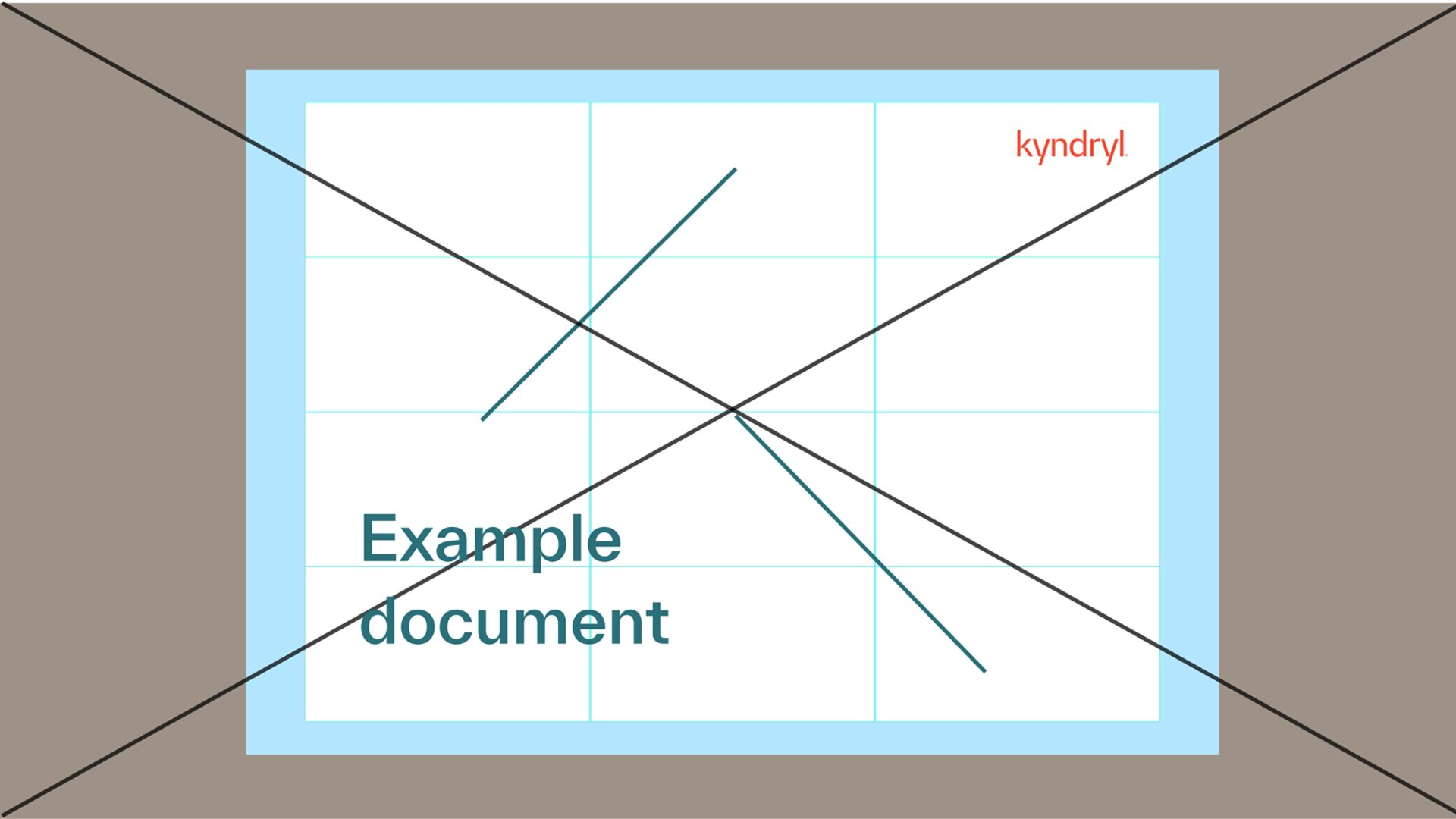
Do not create layouts that are not 4×4 or 8×8.
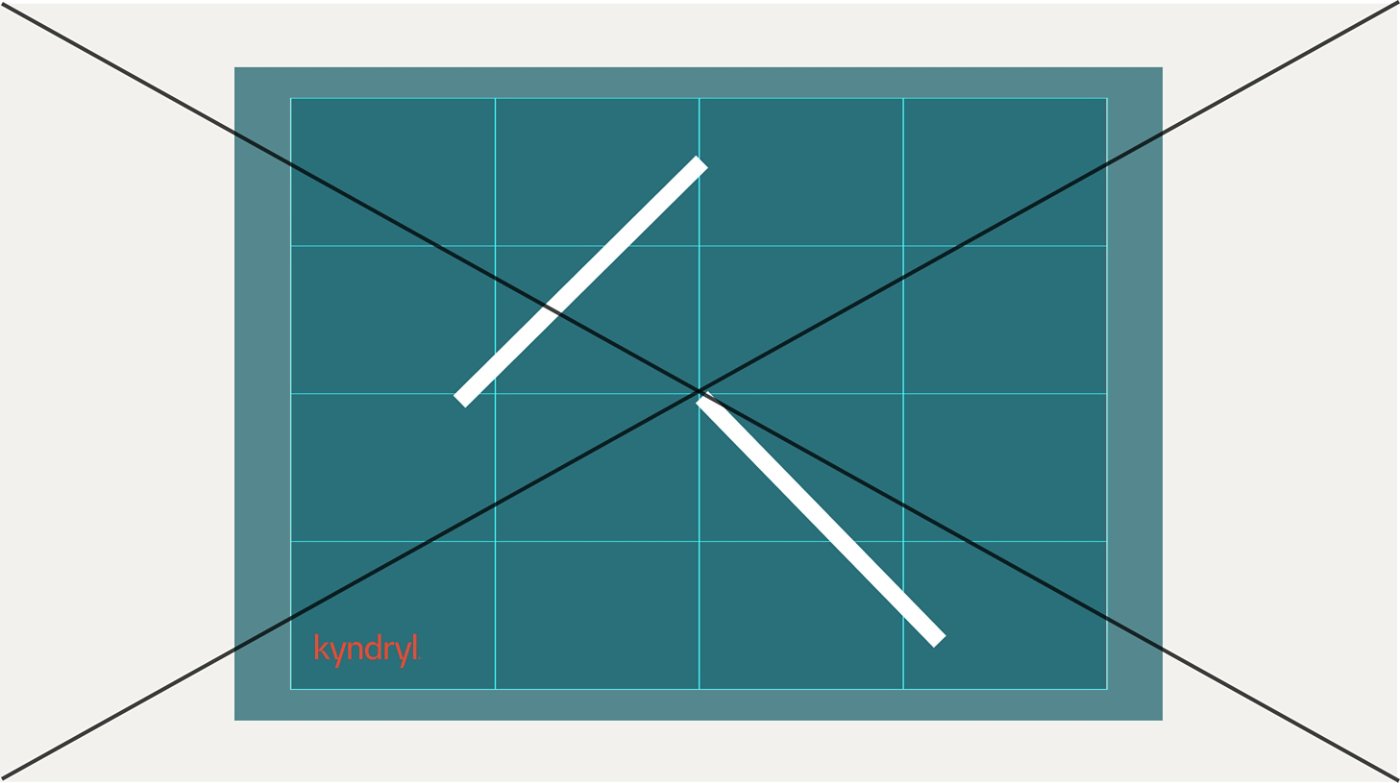
Do not make the lines of the Vital K too thick.
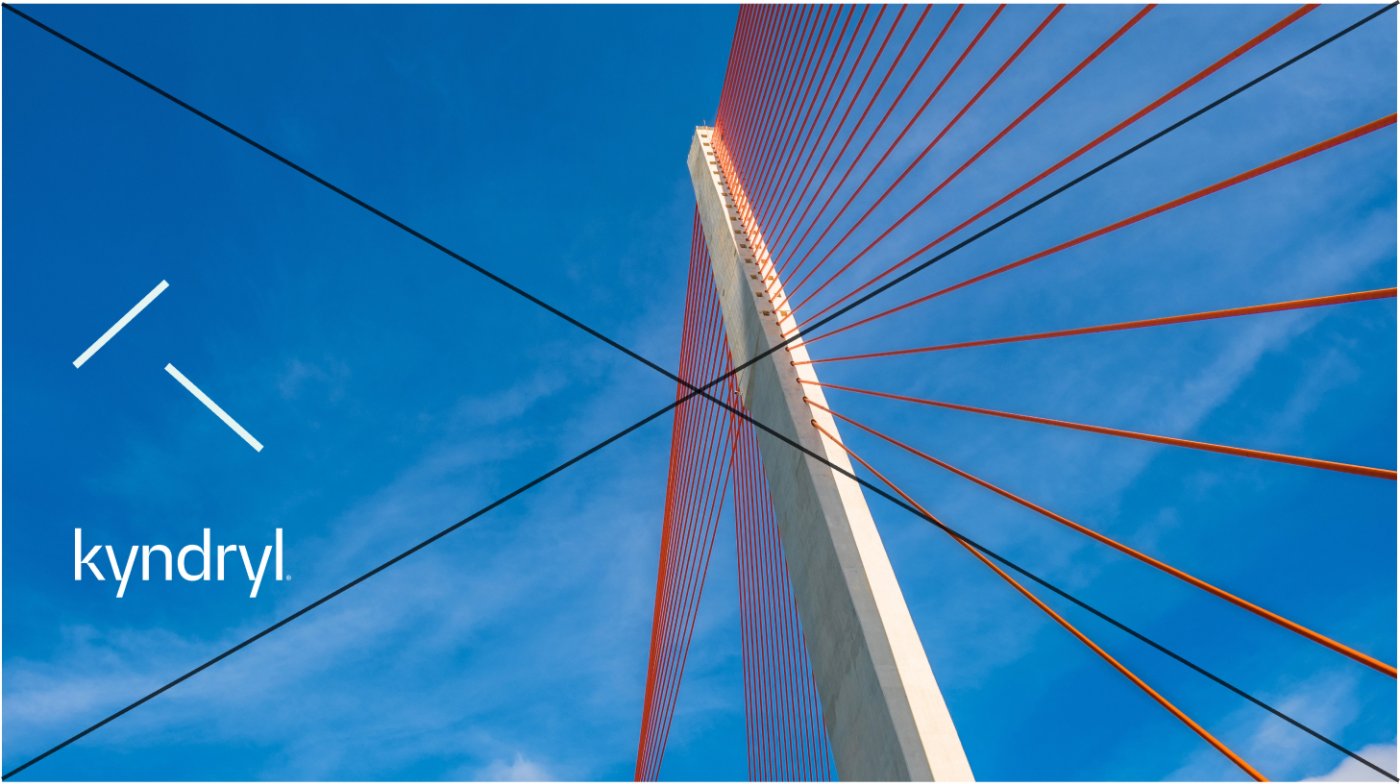
Do not place and size the Vital K as if it is a logo near or locked-up with the company logotype.

Do not create a pattern with the Vital K in a row.

When placing the Vital K logo on photography do not overlap it whereby it "slices" into people's figures.
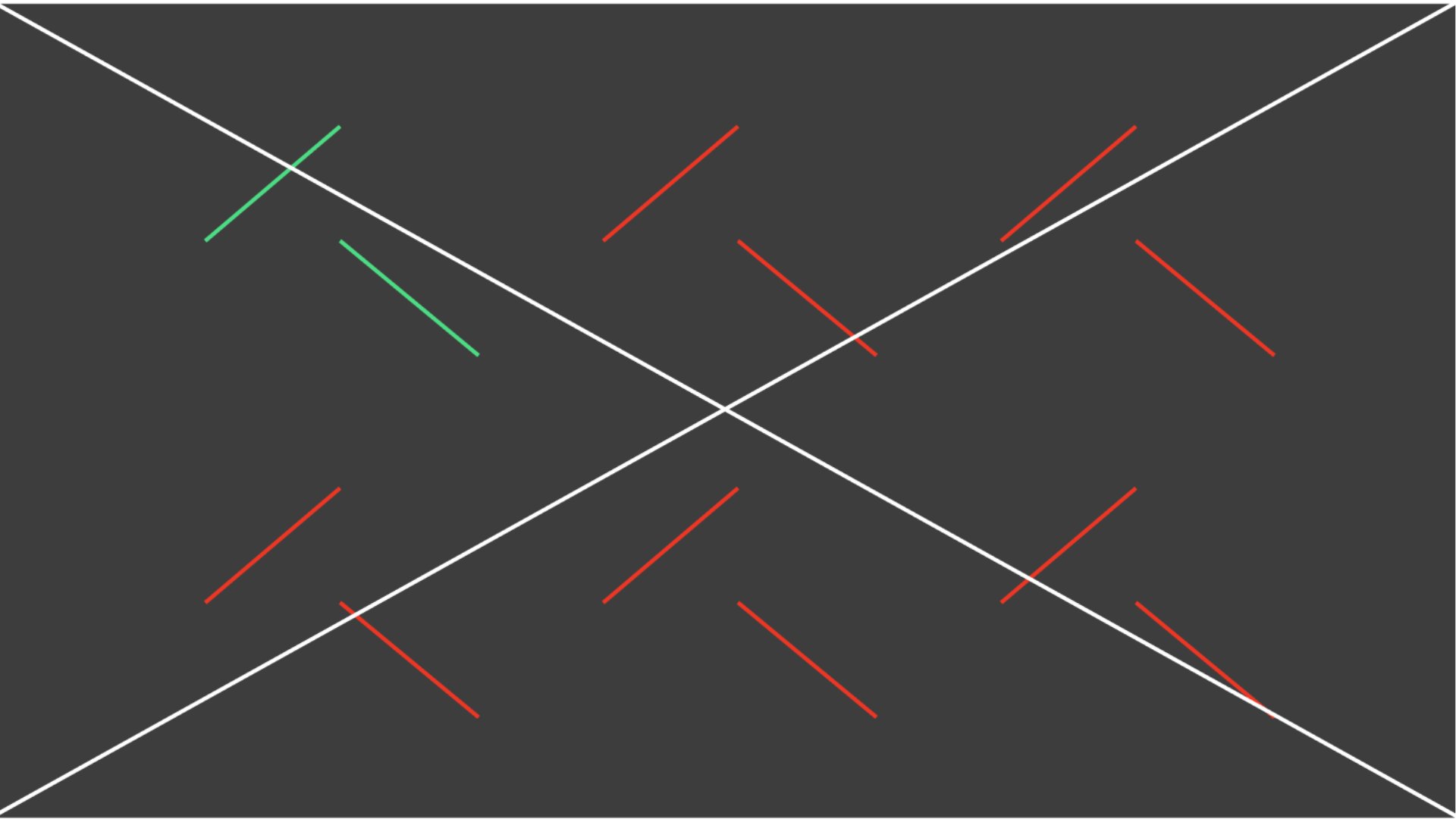
Do not set up the Vital K in a grid pattern.
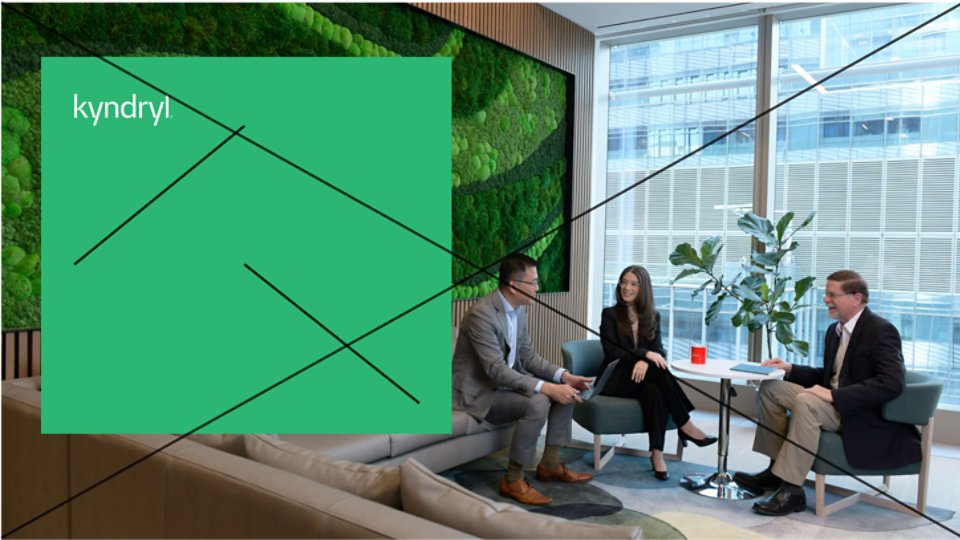
Do not layer the Vital K in a box on top of a background.

Do not set up the Vital K logo as an interactive element or as part of an interactive button.

Do not combine the Vital K with the Living Trellis on a layout.
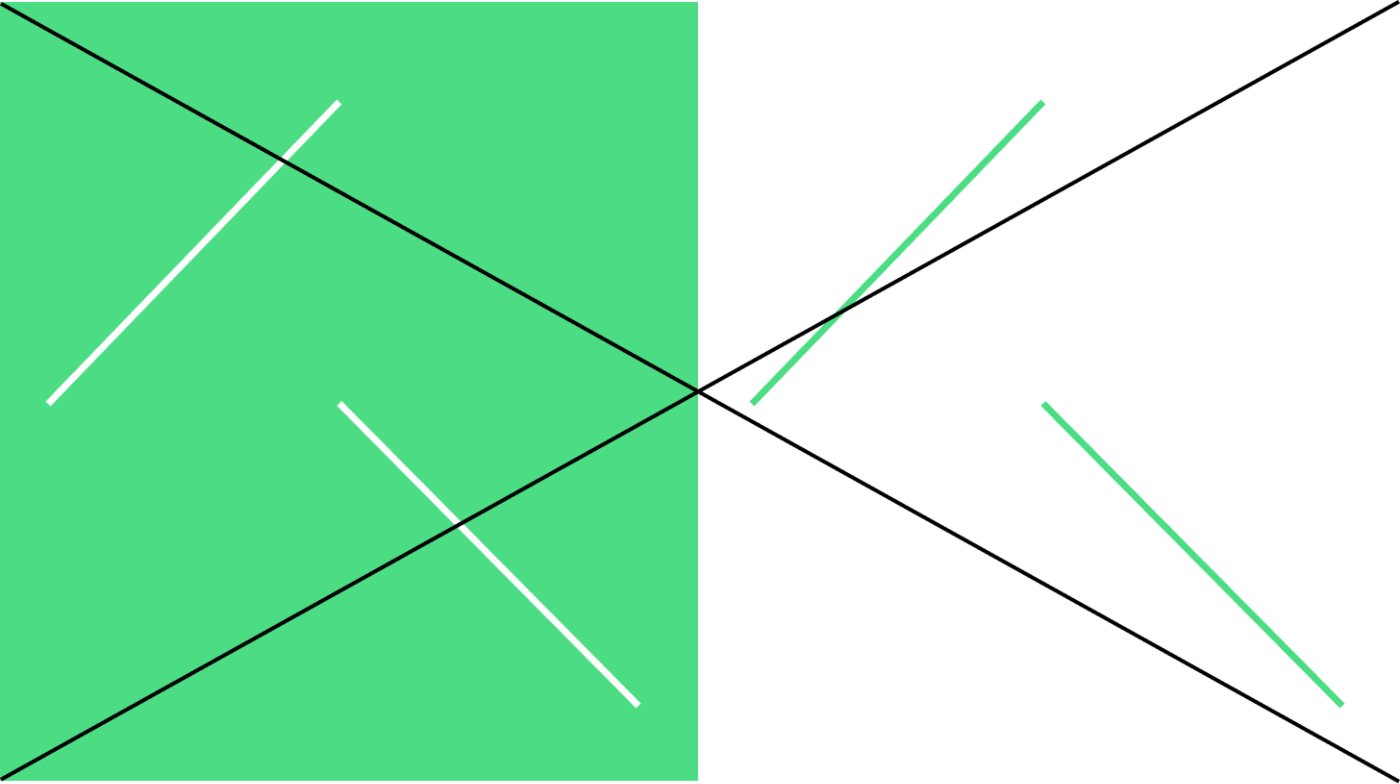
Do not combine colors that are inaccessible such as a white Vital K on a Spring Green background and vice versa.
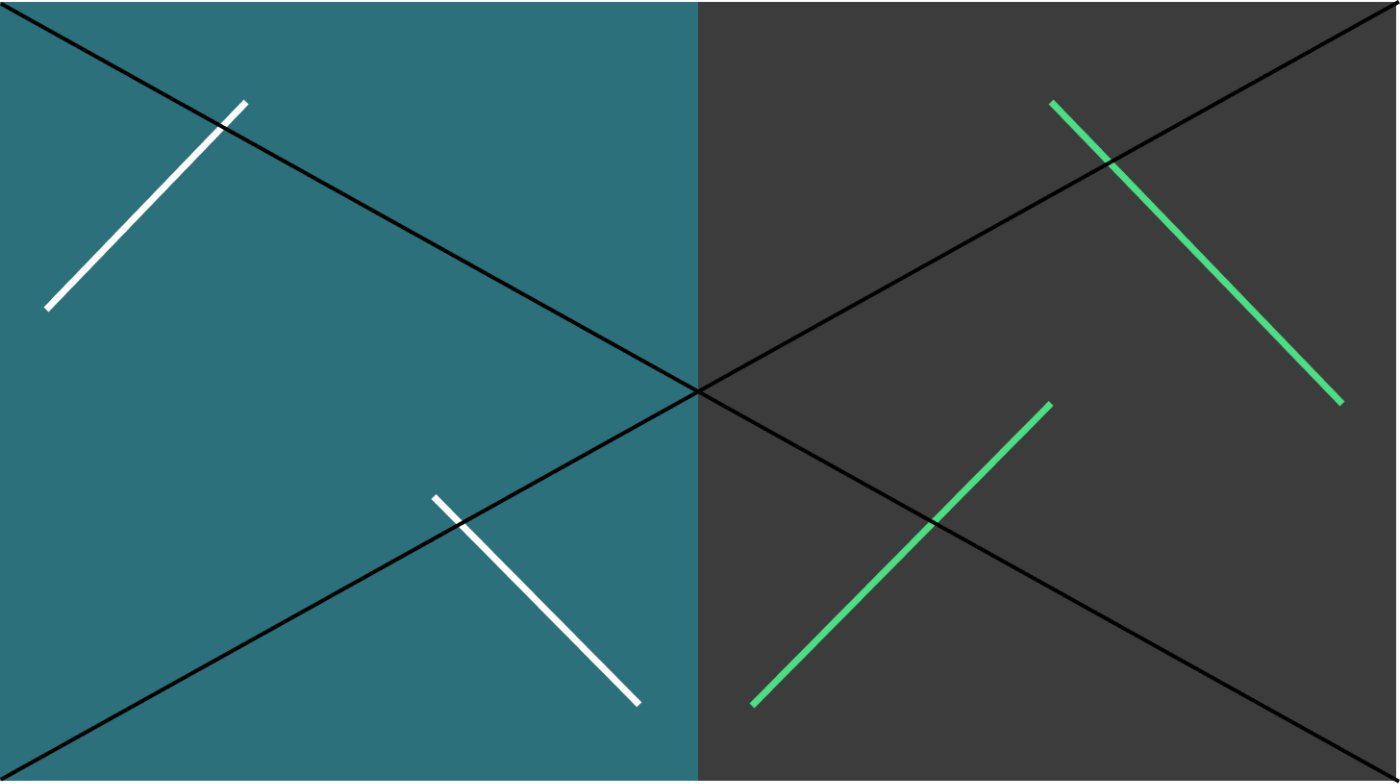
Do not separate the Vital K lines and do not reverse or flip them.